KI Foto-Face-Swap
Meine Werke
Noch keine Werke
Lade ein Foto und ein Gesicht hoch, um deinen ersten Swap zu erstellen
Gesichtstausch im Foto war noch nie so einfach. Mit unserem KI-Foto-Face-Swap-Tool tauschst du das Gesicht in jedem Bild mit ein paar Klicks. Lade ein Quellfoto und das gewünschte Gesicht hoch — die KI erkennt, richtet aus und verschmilzt beides in Sekunden und gleicht dabei Hautton, Licht und Winkel für ein natürliches Ergebnis an. Es gibt keine App zu installieren und du brauchst keine Bearbeitungskenntnisse, denn alles läuft online in jedem Browser. Ob Memes, ein frisches Profilbild oder ein schneller Gesichtstausch für ein Geschenk: Dieser kostenlose Face-Swap-Foto-Editor macht aus jedem Bild mit wenigen Klicks ein glaubwürdig getauschtes Foto.
Beispiele für den Foto-Gesichtstausch
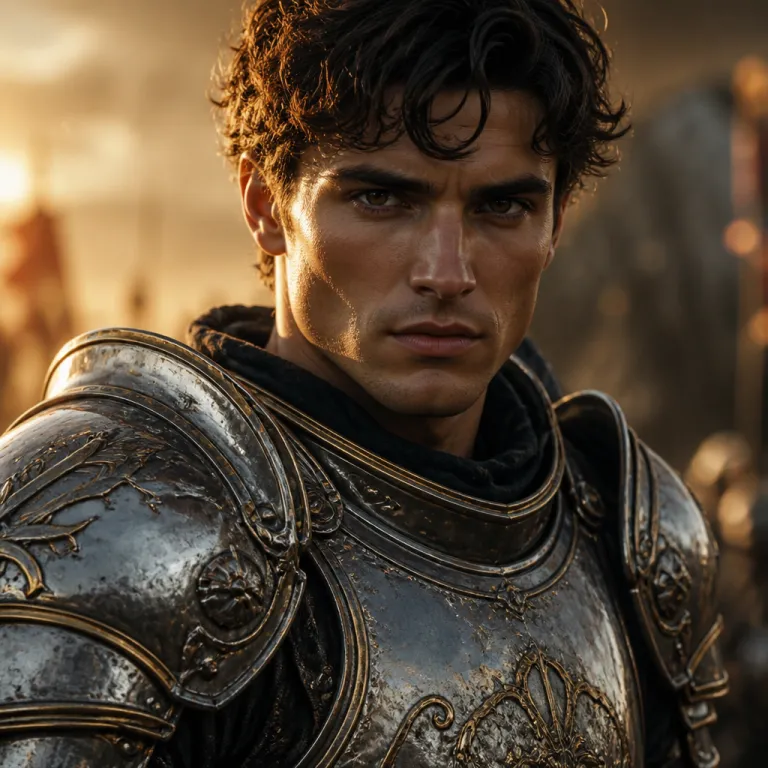


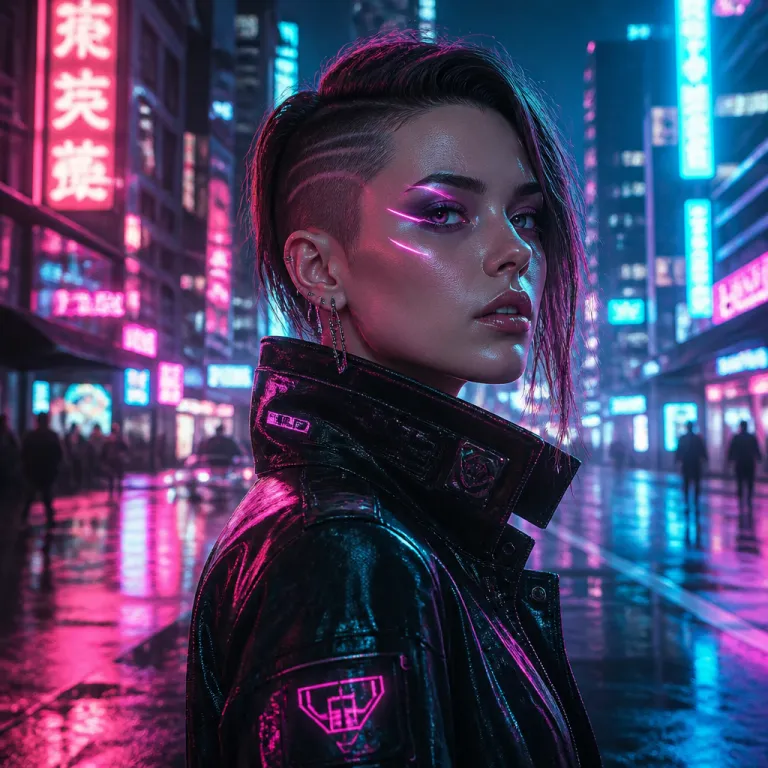
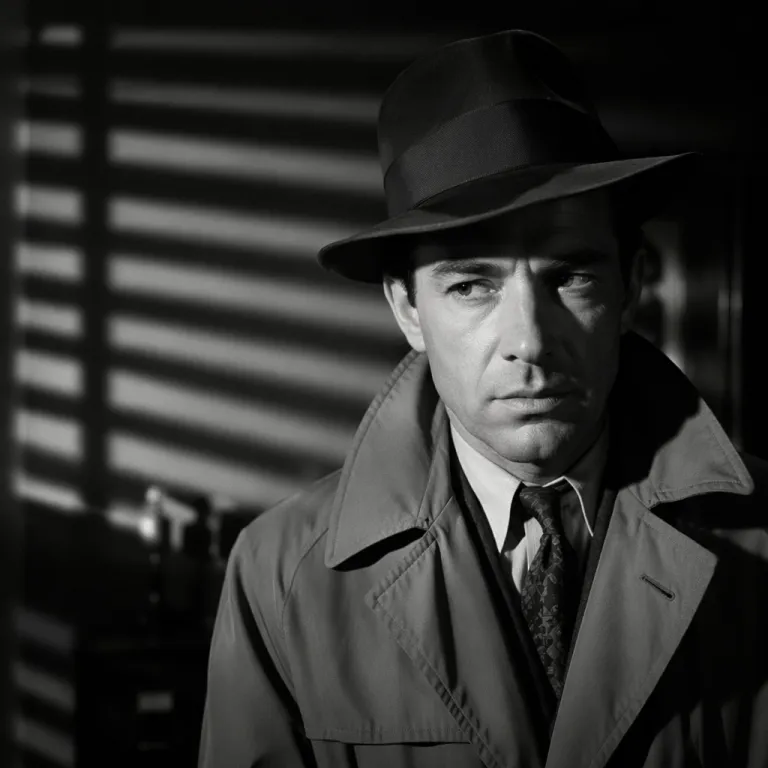
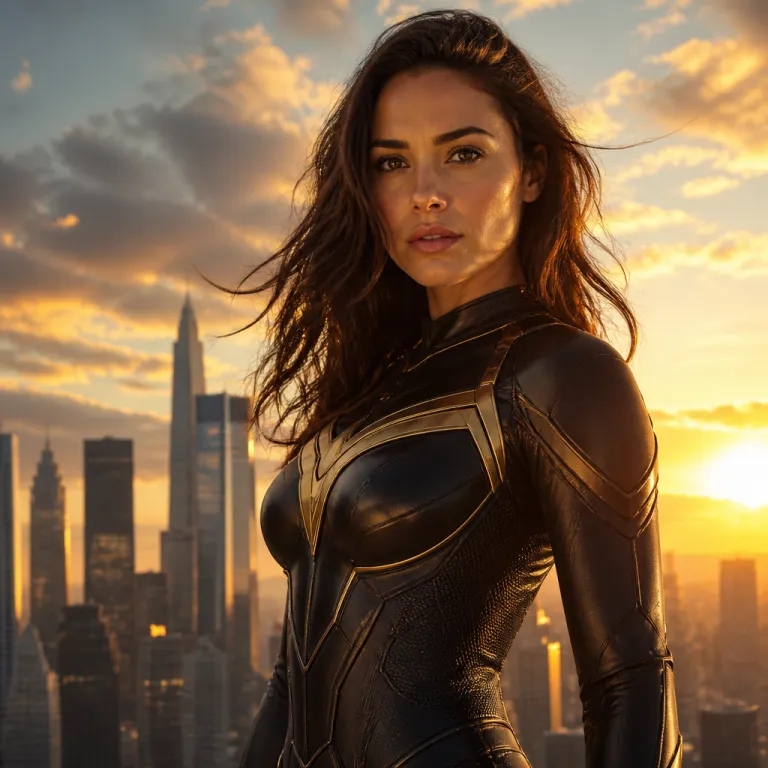
So tauschst du ein Gesicht in einem Foto
- 1
Foto hochladen
Wähle das Quellbild, das du bearbeiten willst (PNG, JPG oder WebP bis 10 MB). In diesem Bild wird das Gesicht ersetzt.
- 2
Zielgesicht hinzufügen
Lade ein klares, frontales Foto des Gesichts hoch, das eingesetzt werden soll. Ein scharfes, gut beleuchtetes Gesicht liefert den realistischsten Foto-Gesichtstausch.
- 3
KI-Face-Swap starten
Klicke auf Tauschen — die KI erkennt das Gesicht in deinem Foto, richtet das neue Gesicht aus und gleicht Hautton und Licht automatisch an.
- 4
Ergebnis herunterladen
Sieh dir das getauschte Foto in der Vorschau an und lade es in voller Auflösung herunter. Schlägt ein Swap fehl, werden deine Credits automatisch erstattet.
Warum unser KI-Foto-Face-Swap
Realistische, natürliche Ergebnisse
Die KI gleicht Winkel, Hautton und Licht an, sodass sich das getauschte Gesicht ins Foto einfügt, statt aufgeklebt zu wirken.
Kostenlos testen, pro Swap zahlen
Starte mit Gratis-Credits aus Registrierung und täglichem Check-in. Kein Abo — du lädst Credits nur bei Bedarf auf, und fehlgeschlagene Swaps werden erstattet.
Privat in deinem Konto
Deine Uploads, Zielgesichter und Ergebnisse siehst nur du. Nichts wird geteilt, außer du entscheidest dich dafür, und du kannst deine Dateien jederzeit löschen.
Was du mit dem Foto-Gesichtstausch machen kannst
Memes und lustige Edits
Setze dein Gesicht — oder das eines Freundes — in Reaction-Bilder und angesagte Vorlagen für sofortige Lacher.
Profilbilder und Avatare
Erstelle einen frischen Avatar, indem du dein Gesicht in einen neuen Stil, ein neues Outfit oder einen neuen Hintergrund tauschst.
Cosplay und Fantasy
Sieh dich als Filmfigur, Superheld oder historische Persönlichkeit — mit einem einzigen Foto-Gesichtstausch.
Geschenke und Grüße
Personalisiere Karten, Poster und Überraschungen, indem du das Gesicht einer Person in eine unvergessliche Szene setzt.
FAQ
Wie tausche ich ein Gesicht in einem Foto?
Lade das Quellfoto hoch und danach das Gesicht, das du einsetzen willst. Klicke auf "Gesicht tauschen" — die KI ersetzt die erkannten Gesichter im Foto durch dein Zielgesicht. Um bestimmte Personen in einem Gruppenfoto zu tauschen, nutze stattdessen das Multi-Face-Swap-Tool.
Welche Bildformate und -größen werden unterstützt?
PNG-, JPEG- und WebP-Dateien mit je bis zu 10 MB — sowohl für das Quellfoto als auch für das Zielgesicht.
Was kostet ein Foto-Gesichtstausch?
Ein Foto-Swap kostet eine kleine feste Anzahl Credits. Der genaue Betrag steht vor dem Absenden auf dem Button. Schlägt ein Swap fehl, werden die Credits automatisch erstattet.
Sind meine hochgeladenen Fotos privat?
Ja. Deine Quellfotos, Zielgesichter und Ergebnisse sind nur für dich in deinem Konto sichtbar. Wir teilen sie nie, und du kannst jeden Upload und jedes Ergebnis jederzeit löschen.
Wie bekomme ich den realistischsten Foto-Gesichtstausch?
Nutze ein klares, frontales Zielgesicht mit gleichmäßigem Licht und einem Kopfwinkel, der der Person im Quellfoto ähnelt. Bilder mit höherer Auflösung und unverdeckte Gesichter (keine harten Schatten oder Sonnenbrillen) ergeben die natürlichsten Swaps.
Probiere den KI-Foto-Face-Swap jetzt aus
Tausche ein Gesicht in deinem Foto: Gratis-Credits zum Start, realistische Ergebnisse, keine Installation.