Échange multi-visages
Mes créations
Aucune création
Importez une photo et un visage pour créer votre premier échange
L'échange multi-visages n'a jamais été aussi simple. Notre outil en ligne vous permet d'échanger plusieurs visages d'une même photo de groupe en une seule fois, au lieu de retoucher les personnes une par une. Importez votre photo de groupe, laissez l'IA détecter chaque visage, puis associez à chaque personne à modifier un visage cible. Ce flux de face swap multi-visages est entièrement web : aucune application à installer. Besoin d'un échange de visage rapide sur une photo de groupe, d'un montage de mème ou d'un portrait de famille revisité ? Vous gardez le contrôle : seules les personnes que vous choisissez sont remplacées, tous les autres restent intacts.
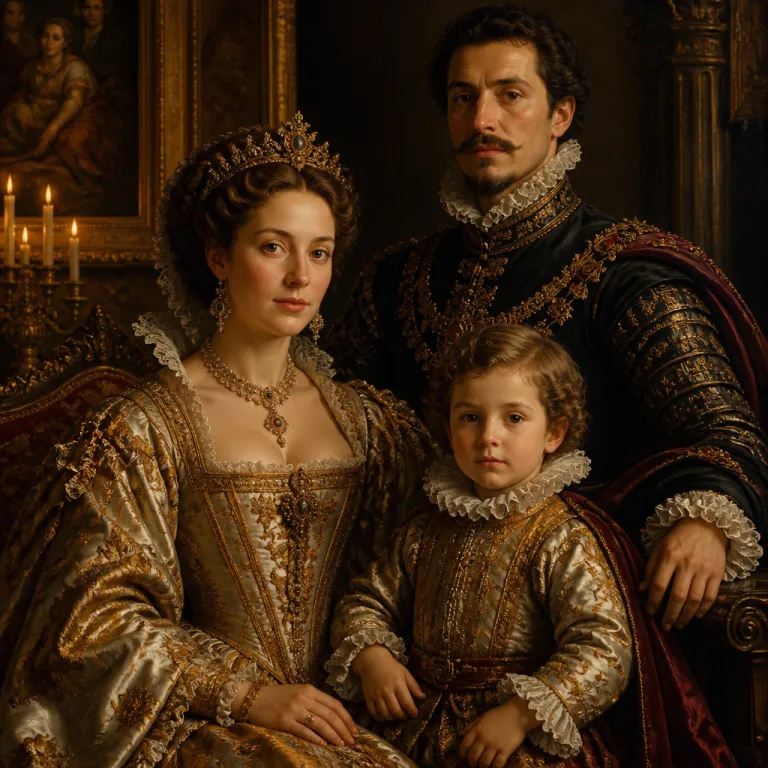
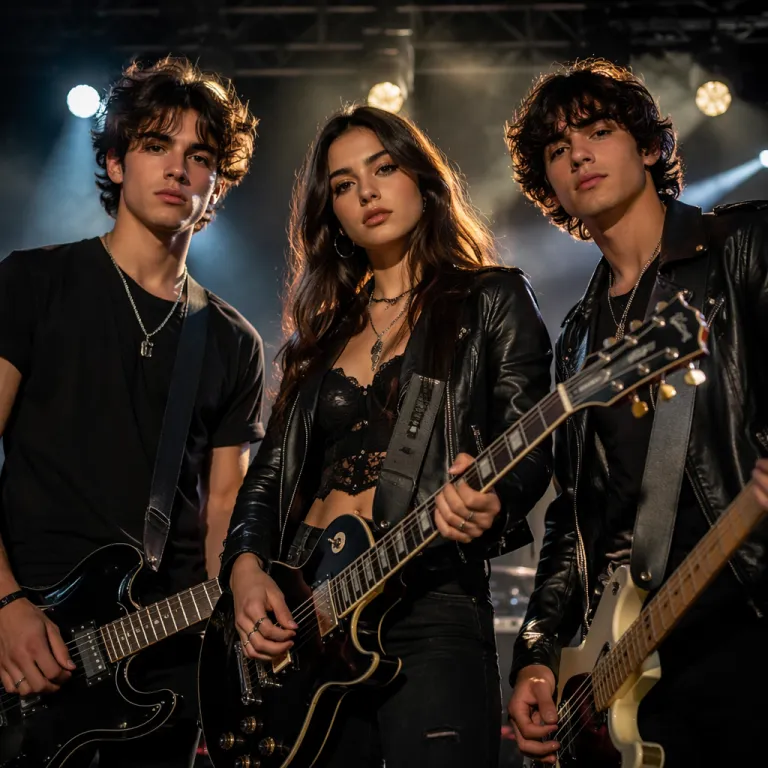
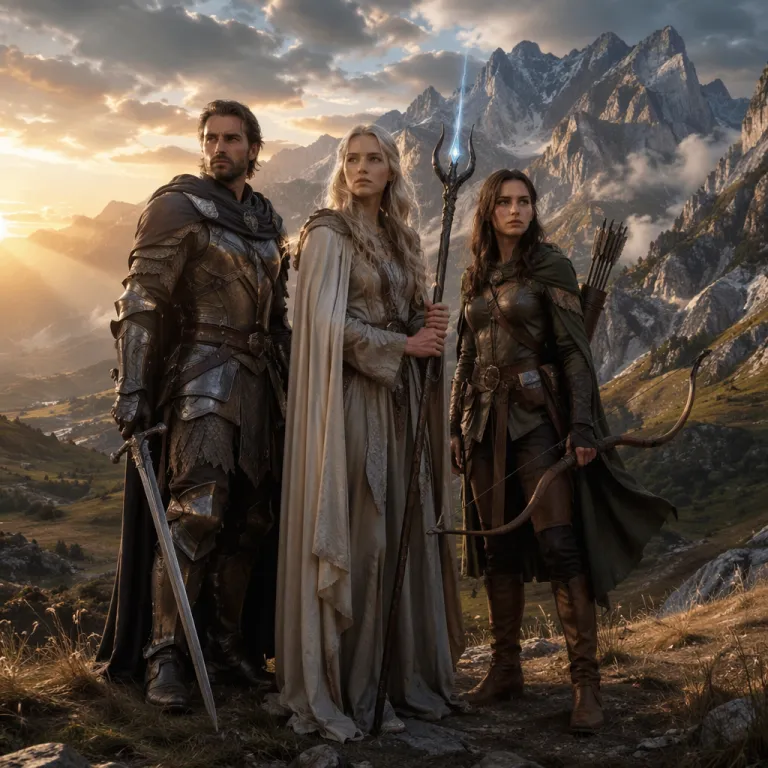
Exemples d'échange multi-visages sur de vraies photos de groupe



Comment faire un échange multi-visages en 4 étapes
- 1
Importez votre photo de groupe
Importez la photo de groupe à modifier en PNG, JPEG ou WebP jusqu'à 10 Mo. C'est l'image de base de votre échange multi-visages.
- 2
Laissez l'IA détecter chaque visage
Notre IA détecte automatiquement chaque visage de la photo, pour visualiser clairement toutes les personnes disponibles pour le face swap multi-visages.
- 3
Associez un visage cible à chaque personne
Pour chaque personne à modifier, ajoutez un visage cible (PNG, JPEG ou WebP jusqu'à 10 Mo). N'appariez que les personnes à échanger et laissez les autres intactes.
- 4
Échangez plusieurs visages et téléchargez
Appuyez sur le bouton pour échanger plusieurs visages à la fois, puis téléchargez en quelques secondes votre photo de groupe aux visages échangés.
Pourquoi choisir notre outil d'échange multi-visages
Résultats naturels et réalistes
Notre IA fusionne teint de peau, éclairage et angle pour chaque visage : un face swap multi-visages sur une photo de groupe paraît crédible, pas collé dessus.
Essai gratuit, paiement à l'usage
Inscrivez-vous et connectez-vous chaque jour pour obtenir des crédits gratuits et échanger plusieurs visages. Sans abonnement. Achetez des crédits une fois, ils n'expirent jamais, et les échanges échoués sont remboursés automatiquement.
Privé, réservé à votre compte
Vos photos de groupe, visages cibles et résultats ne sont visibles que par vous. Rien n'est partagé sans votre accord, et vous pouvez supprimer vos fichiers à tout moment.
Usages populaires de l'échange multi-visages
Photos de groupe et d'équipe
Lancez un échange de visages sur vos photos d'équipe et de classe pour en créer une version amusante et facile à partager.
Portraits de famille
Utilisez le face swap multi-visages sur un portrait de famille pour placer chaque visage où vous voulez, ou surprenez vos proches avec un montage espiègle.
Blagues entre amis et mèmes
Échangez les visages de vos amis dans un modèle de mème ou une image de réaction pour un fou rire collectif.
Photos d'événements et de fêtes
Faites un échange multi-visages en ligne sur vos photos de groupe d'événements et de soirées pour remixer qui apparaît sur le cliché.
FAQ
Comment fonctionne l'appariement des visages ?
Après l'import d'une photo, l'outil détecte tous les visages et les affiche en grille. Sous chaque visage détecté, importez le nouveau visage souhaité. Une seule paire suffit, et les visages non appariés restent inchangés. Jusqu'à 5 visages peuvent être échangés par photo.
Quels formats et tailles d'image sont pris en charge ?
Fichiers PNG, JPEG et WebP jusqu'à 10 Mo chacun, pour la photo de groupe comme pour chaque visage cible.
Comment est facturé un échange multi-visages ?
Le coût en crédits est estimé en direct et affiché avant l'envoi, selon l'échange configuré. Si la tâche échoue, les crédits sont remboursés automatiquement.
Mes photos de groupe et visages cibles restent-ils privés ?
Oui. Vos photos de groupe importées, vos visages cibles et vos résultats sont liés à votre compte et visibles uniquement par vous. Rien n'est partagé sans votre accord, et vous pouvez supprimer n'importe lequel de vos fichiers à tout moment.
Combien de visages puis-je échanger par photo, et comment obtenir le meilleur résultat ?
Vous pouvez échanger jusqu'à 5 visages sur une même photo de groupe. Pour le meilleur résultat, utilisez une photo nette et bien éclairée où chaque visage est visible, et fournissez des visages cibles nets et de face (PNG, JPEG ou WebP jusqu'à 10 Mo). Vous n'appariez que les personnes à modifier : tous les autres restent exactement tels quels.
Lancez votre échange multi-visages maintenant
Importez une photo de groupe, choisissez les visages cibles et échangez plusieurs personnes à la fois. Crédits gratuits pour commencer, aucune application à installer.