AI Photo Face Swap
My Works
No works yet
Upload a photo and a face to create your first swap
Photo face swap has never been easier. Our AI photo face swap tool lets you swap a face in any picture in a couple of clicks. Drop in a source photo and the face you want, and the AI detects, aligns and blends them in seconds, matching skin tone, lighting and angle for a natural result. There's no app to install and no editing skills required, since it all works online in any browser. From memes to a fresh profile picture to a quick picture face swap for a gift, this free face swap photo editor turns any image into a believable swapped photo in just a few clicks.
Photo face swap examples
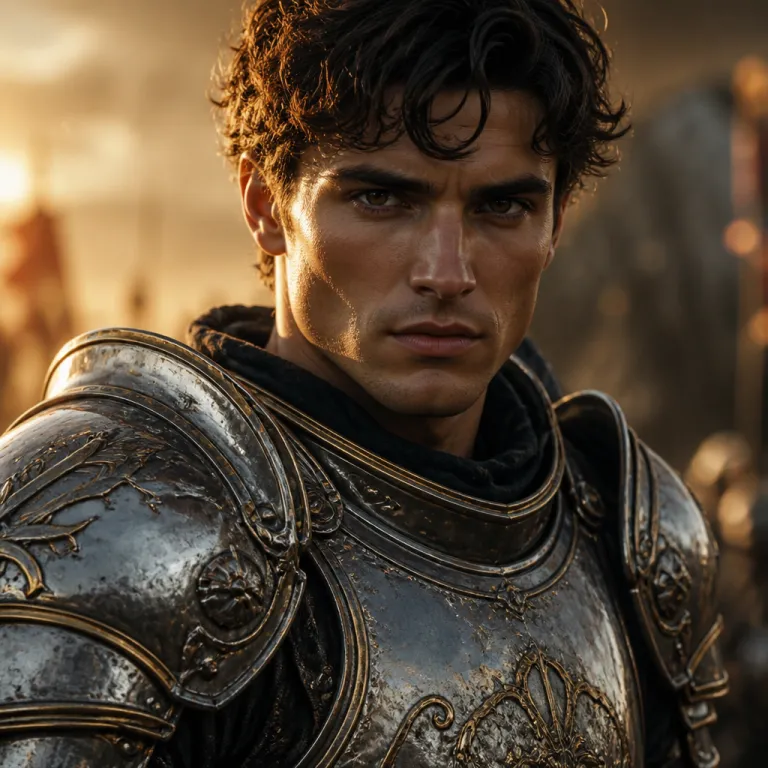


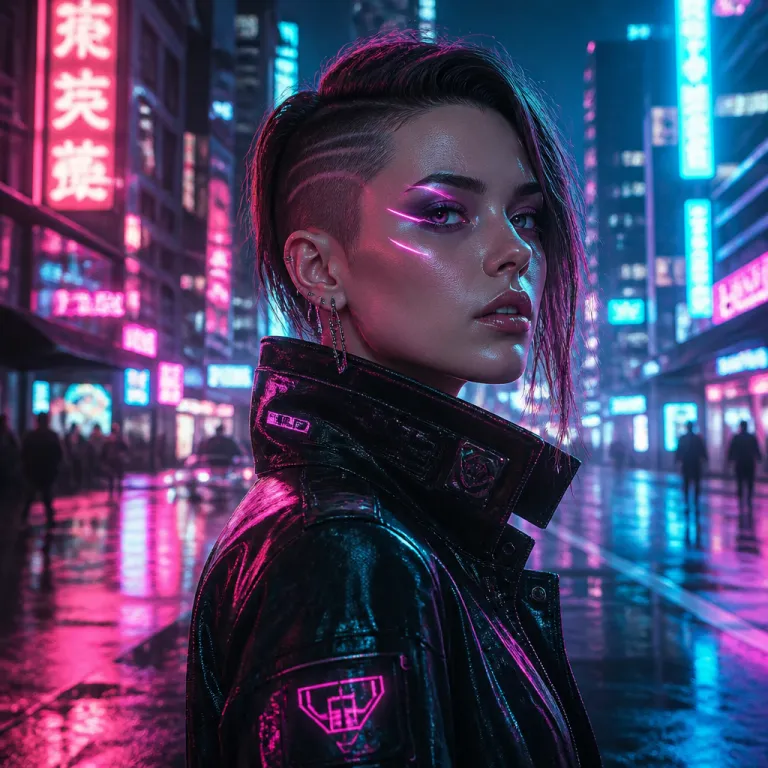
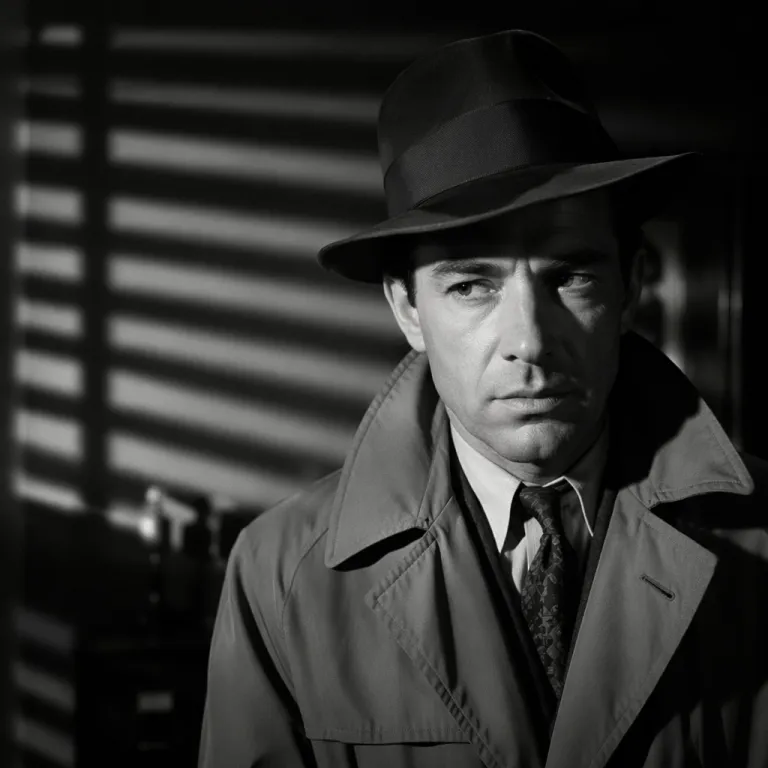
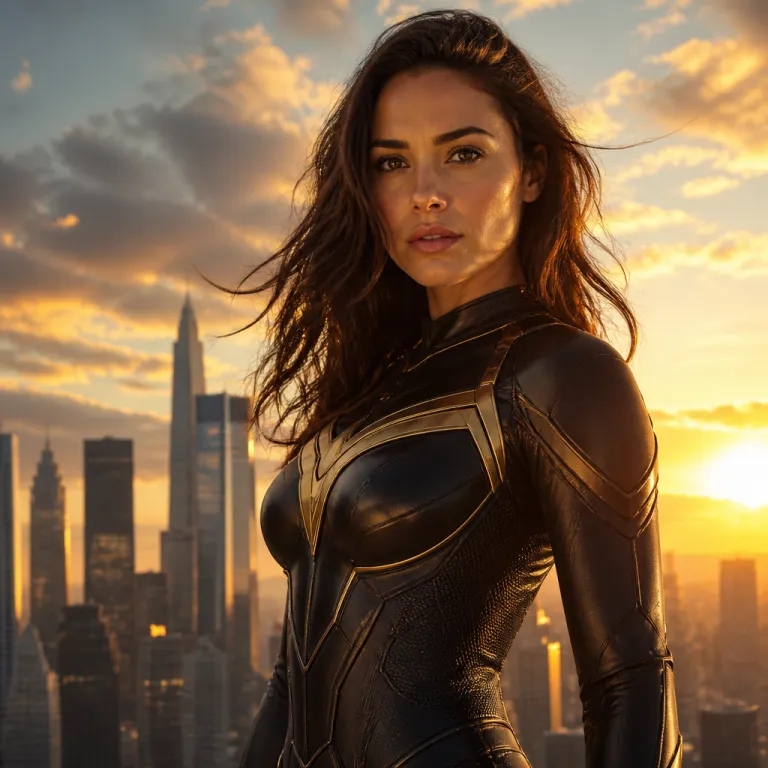
How to swap a face in a photo
- 1
Upload your photo
Choose the source picture you want to edit (PNG, JPG or WebP up to 10MB). This is the image whose face will be replaced.
- 2
Add the target face
Upload a clear, front-facing photo of the face you want to swap in. A sharp, well-lit face gives the most realistic photo face swap.
- 3
Run the AI face swap
Click swap and the AI detects the face in your photo, aligns the new face, and blends skin tone and lighting automatically.
- 4
Download your result
Preview the swapped photo and download it in full resolution. If a swap fails, your credits are refunded automatically.
Why use our AI photo face swap
Realistic, natural results
The AI matches angle, skin tone and lighting so the swapped face blends into the photo instead of looking pasted on.
Free to try, pay per swap
Start with free credits from sign-up and daily check-in. No subscription, so you top up credits only when you need them, and failed swaps are refunded.
Private to your account
Your uploads, target faces and results are visible only to you. Nothing is shared unless you choose to share it, and you can delete your files at any time.
What you can do with photo face swap
Memes and fun edits
Drop your face, or a friend's, into reaction images and trending templates for instant laughs.
Profile pictures and avatars
Create a fresh avatar by swapping your face into a new style, outfit or background.
Cosplay and fantasy
See yourself as a movie character, superhero or historical figure with a single photo face swap.
Gifts and greetings
Personalize cards, posters and surprises by putting someone's face into a memorable scene.
FAQ
How do I swap a face in a photo?
Upload the source photo, then upload the face you want to put on it. Click "Swap face" and the AI replaces the detected faces in the photo with your target face. To swap specific people in a group shot, use the multiple face swap tool instead.
What image formats and sizes are supported?
PNG, JPEG and WebP files up to 10MB each, for both the source photo and the target face.
How much does a photo face swap cost?
A photo swap costs a small fixed number of credits. The exact amount is shown on the button before you submit. If a swap fails, the credits are refunded automatically.
Are my uploaded photos private?
Yes. Your source photos, target faces and results are visible only to you under your account. We never share them, and you can delete any upload or result at any time.
How do I get the most realistic photo face swap?
Use a clear, front-facing target face with even lighting and a head angle similar to the person in the source photo. Higher-resolution images and unobstructed faces (no heavy shadows or sunglasses) produce the most natural swaps.
Try the AI photo face swap now
Swap a face in your photo: free credits to start, realistic results, no install.